Round Up Savings
Save little and often while you spend
How does Round Up work?
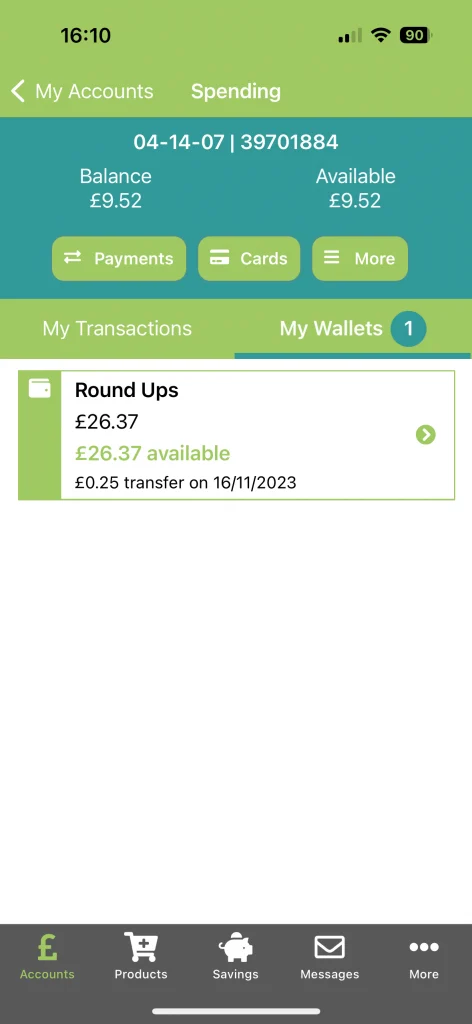
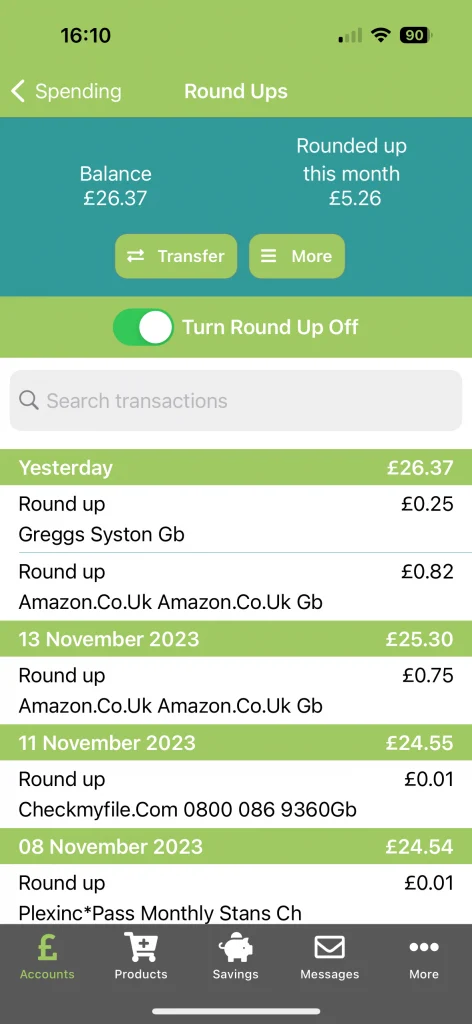
Every time you buy something using your Clockwise current account debit card, we will round your spending up to the nearest pound and add the spare change to your Round Up wallet.
You will have easy access to your wallet, so you can keep your Round Up balance growing or withdraw your savings when it suits you.
Buy a coffee for £1.79 and we will round the purchase up to £2.00. The remaining 21p will be added automatically to your savings.
How do I activate Round Up?
Round Up is available to members who have an eligible Clockwise current account with a debit card.
-
Open your account
Sign in through the Clockwise mobile app and open your current account.
-
Turn Round Up on
Select the Savings tab or Current Account view and choose Turn Round Up On.
-
View your wallet
Your Round Up wallet will appear within the My Wallets list, where you can see your balance, transactions and available options.
Select your Round Up account at any time to view transactions, transfer your savings or turn the feature off.
Clockwise Mobile App
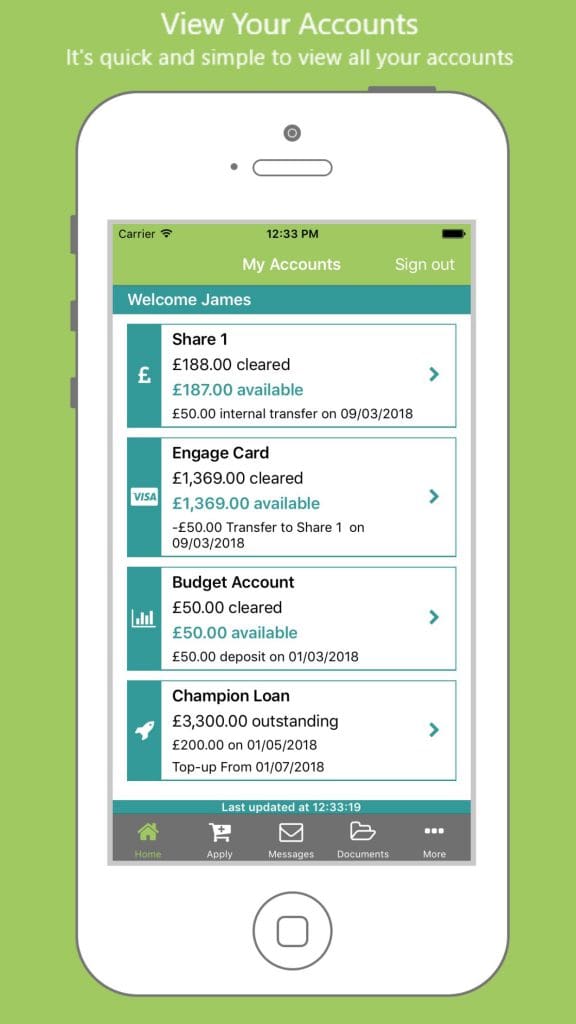
The Clockwise mobile app makes it easy to manage your Round Up Savings and your other Clockwise accounts.
- Check your balances
- View transactions and download statements
- Transfer money 24/7 using Faster Payments
- Send secure messages to Clockwise Credit Union
- Set savings goals for the things you want
- Upload documents using your phone camera
- Apply for new products and services
Search for Clockwise Credit Union in your app store to download the app and get started.