Mobile App
Manage your money where and when it suits you
The Clockwise mobile app lets you stay in control of your money quickly, securely and whenever it suits you.
The app lets you:
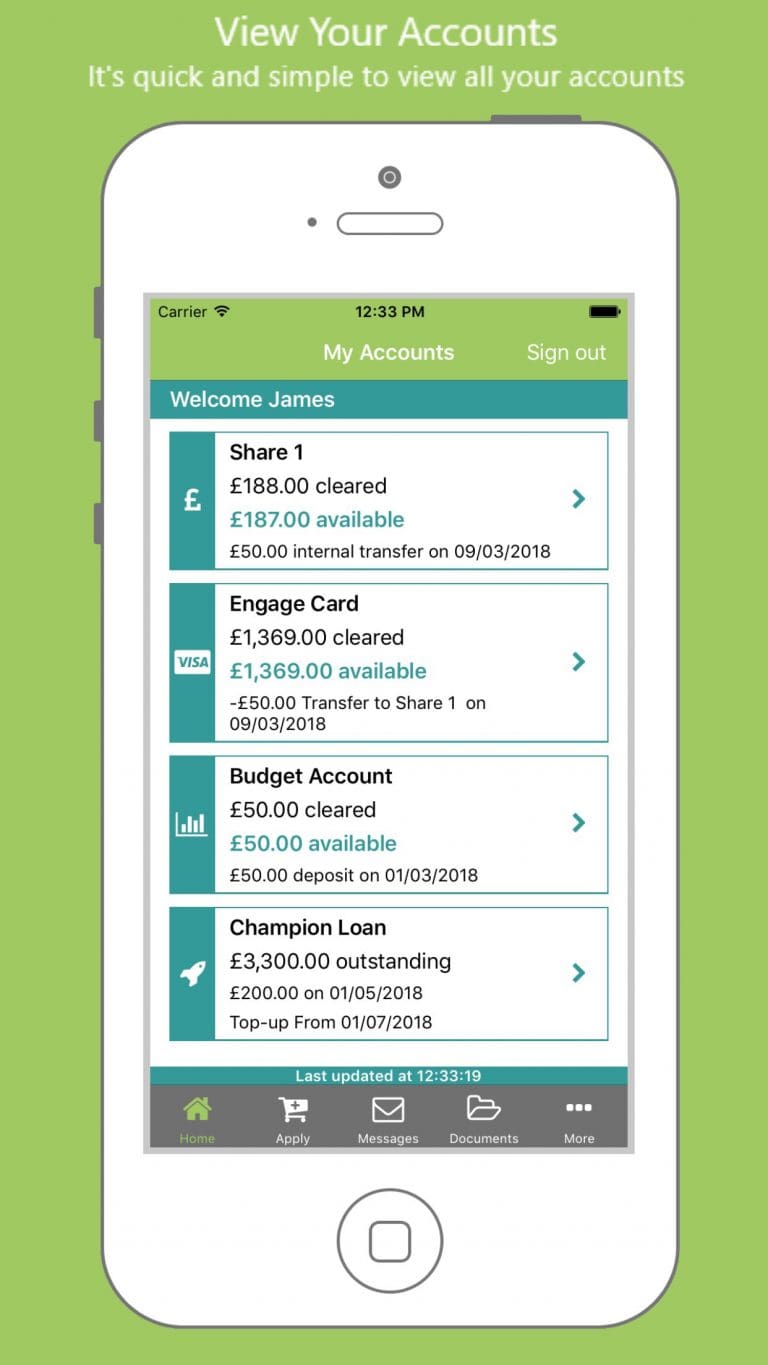
- Check your balances
- View all your transactions and download statements
- Transfer money 24/7 via Faster Payments
- Send secure messages to Clockwise Credit Union
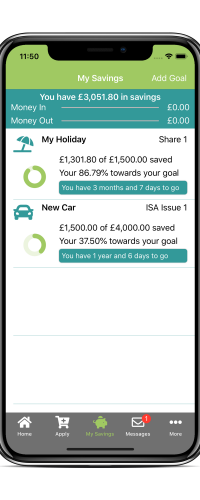
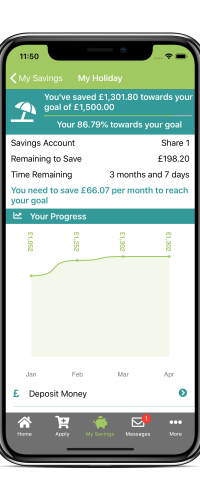
- Set savings goals for the things you want
- Upload documents using your phone camera
- Apply for new products and services
Simply search for Clockwise Credit Union in your app store to download and start using it today.


View Your Accounts
It’s quick and simple to view all your accounts
My Savings Tool
Stay on track and see how much you need to save to reach your goal
Once you are logged into the Clockwise app, you can use the My Savings feature to create and manage your savings goals.
You can create as many goals as you like, give each goal a name and choose from more than 40 badges. Simply enter the amount you want to save and the date you would like to reach your goal by.