Post Office Payout
Can’t get into a Clockwise branch? Collect cash at any UK Post Office
Access your money at your local Post Office
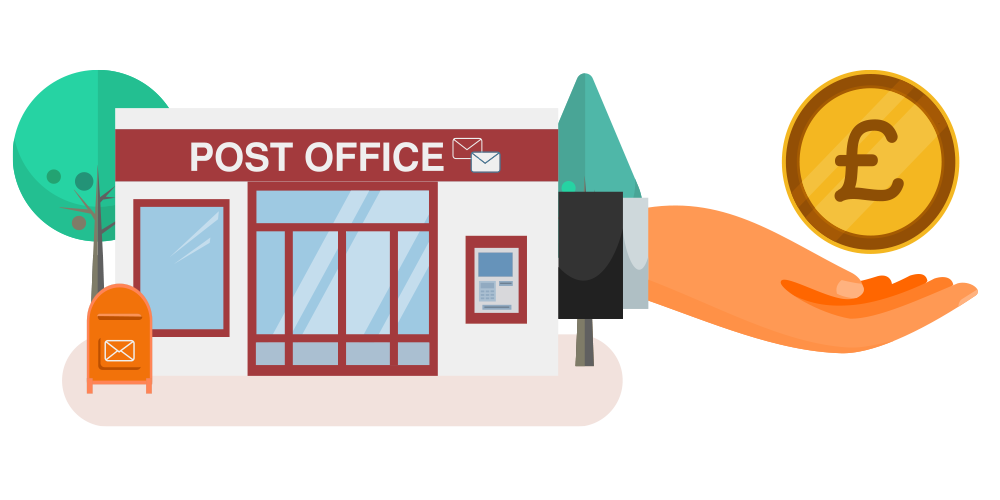
You can arrange for money from your Clockwise account to be made available for collection at any UK Post Office.
Clockwise will give you a unique and secure voucher code. Take the code to a Post Office branch and use it to collect your cash.
Things you should know
Post Office payout is available free of charge and can be arranged using the Clockwise mobile app or by contacting Clockwise.
Collect up to £500
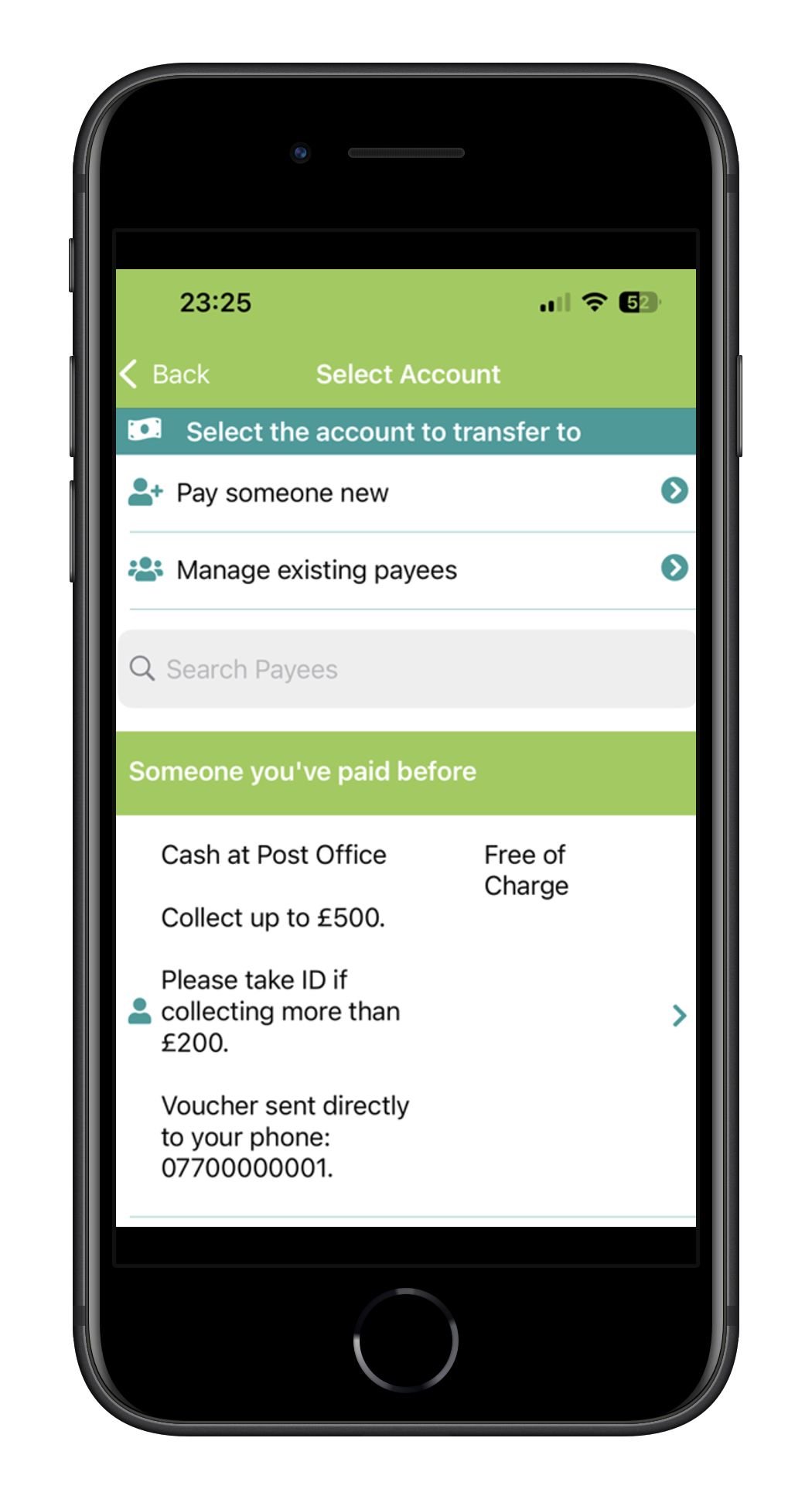
You can arrange to collect up to £500 at your local Post Office.
Take ID over £200
You must take identification with you when collecting more than £200.
Sent to your phone
Your secure voucher code can be sent directly to your mobile phone.
Free of charge
Clockwise does not charge you for using the Post Office payout service.
How to arrange a Post Office payout
You can set up your collection through the Clockwise mobile app or speak to the Clockwise team.
-
Open the Clockwise app
Sign in and select New Payment or Transfer.
-
Select Cash at Post Office
Choose the Post Office cash collection option and enter the amount you wish to collect.
-
Receive your voucher
Your secure voucher code will be sent to your registered mobile telephone number.
-
Collect your cash
Take the voucher code to any UK Post Office. Remember to bring identification when collecting more than £200.
Download the Clockwise mobile app
Download the app from Google Play or the Apple App Store to manage your accounts and arrange a Post Office cash collection.