
What is HooYu?
HooYu is our trusted online identification partner. All identity documents and verification must be completed through HooYu.
Why do we need to confirm your identity?
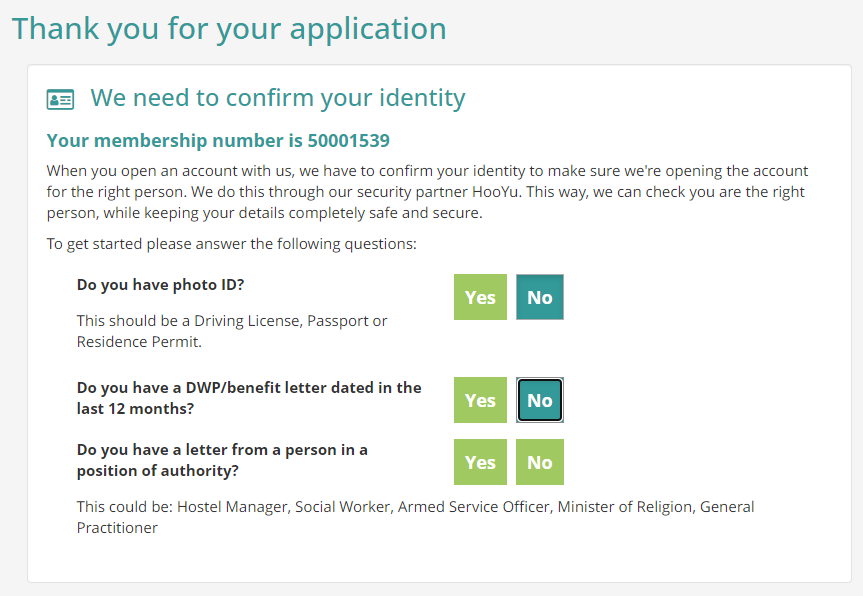
When you open an account with Clockwise, we need to confirm your identity to make sure we are setting up the account for the correct person.
We work with our trusted security partner, HooYu, to authenticate your identity while keeping your personal information safe and confidential.
Completing the checks promptly can help us process your application and open your account more quickly.
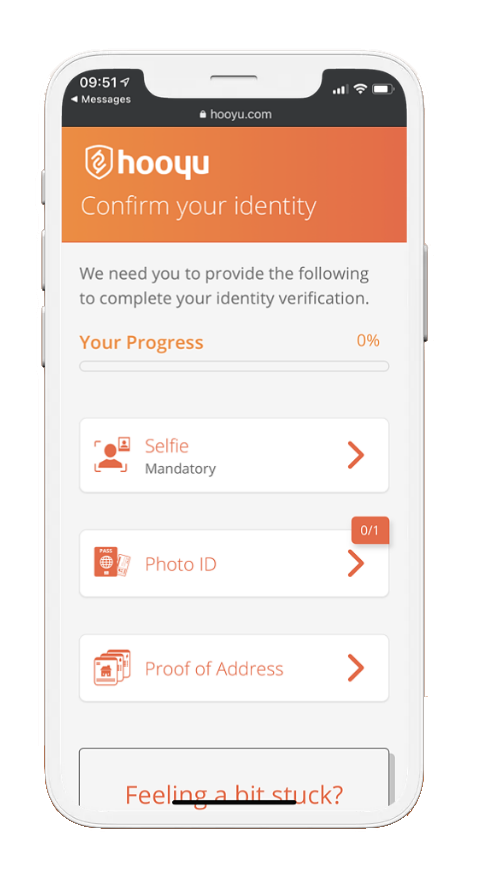
Who are HooYu?
HooYu uses digital information, identity document validation and facial biometrics to quickly and securely authenticate people.
This makes the application process safer and can help us complete your account opening more quickly.
- Your connection to HooYu is protected using TLS encryption
- Your documents are used to complete the identity check
- HooYu deletes copies of your documents once the check is complete
Sharing information
As part of the verification process, we will share your contact details with HooYu.
HooYu will then share the results of the identity verification process with Clockwise so that we can continue processing your application.
Your information is only used as part of the checks needed to verify your identity.
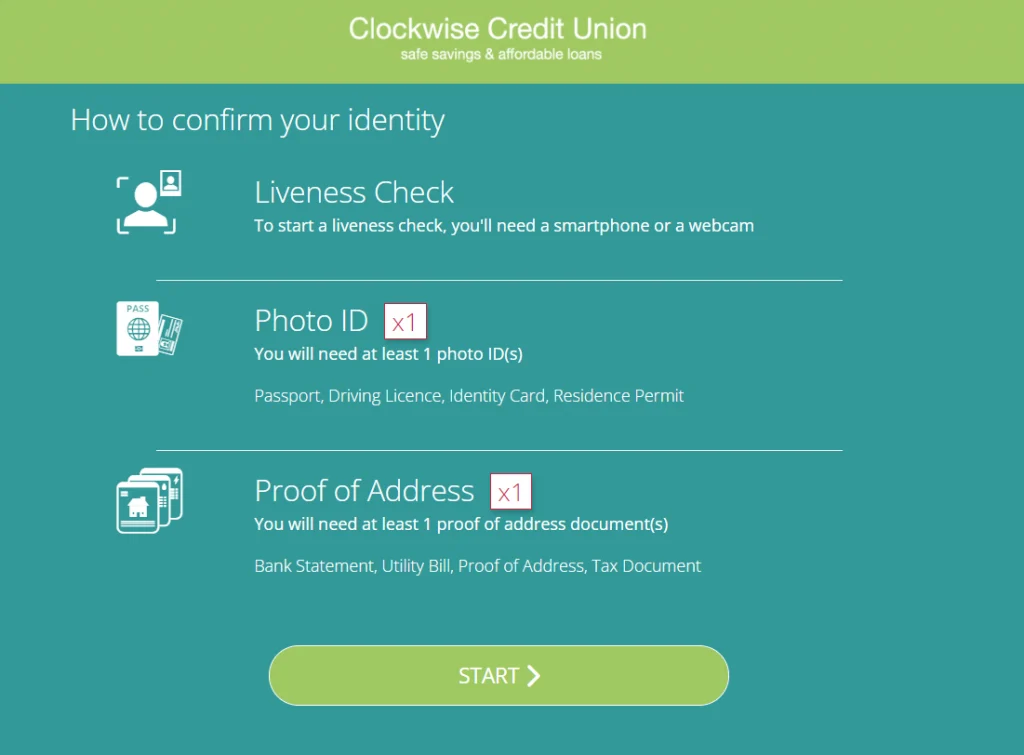
When uploading your proof of identity
- Make sure your full name and date of birth are clearly visible and match the details on your application
- Check that the document is still in date, as expired documents cannot be accepted
- Upload the exact type of document that has been requested
- Make sure the photograph is clear and good quality
- Capture all four corners of the document
- Use the original document, as copies and printouts cannot be accepted
- Check that there is no visible glare or reflection from overhead lighting
When uploading your proof of address
- Make sure your full name and address are clearly visible
- Check that the details match the information provided on your application
- Upload a photograph of the original document
- Do not upload a screenshot, as screenshots cannot be accepted
- Make sure the entire document is clearly visible
- Check that the photograph is clear, in focus and good quality